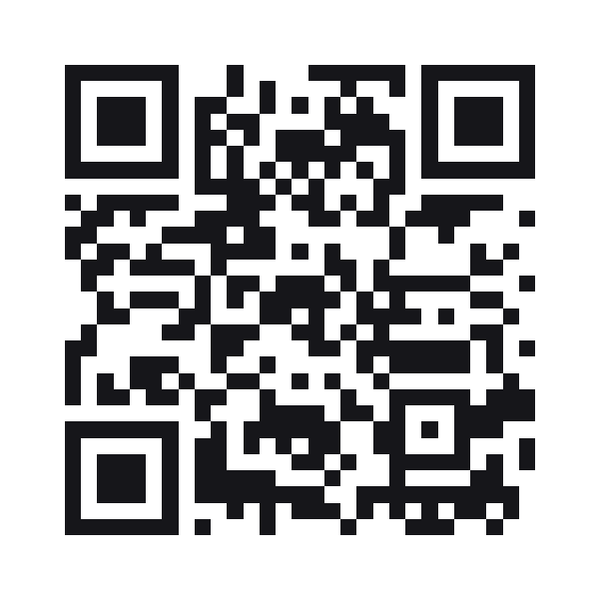
QR code for a LinkedIn profile
Your profile or company page URL in a code. Paste the full address — this one is checked against LinkedIn rather than assembled from a handle.
A LinkedIn QR code stores the address of a LinkedIn profile or company page, which a phone opens in LinkedIn.
Style this code — colour, shape, branding, frame and output
Colour & contrastThe ink, the paper behind it, and the three eyes. Every choice is contrast-checked as you make it.
ShapeHow the squares are drawn. The three eyes are styled apart from the data, because a scanner finds the code by them.
BrandingYour mark on the code. Every picture here costs scanability — the notes say how much, and the preview is the truth.
Frame & captionA border and a line of text around the code — the "scan me" that tells a passer-by what it is for.
OutputWhat comes out of the download buttons, and what the symbol actually carries.
Print-ready PDF
A press file at the finished size: 3mm bleed, crop marks and a trim box a print shop’s checks read. The code is drawn black on white whatever the design above — how a colour prints is something only a test print can show.
The URL is checked, not assembled
LinkedIn has several profile shapes — /in/ for people, /company/ for organisations, plus country subdomains — so guessing one from a handle produces a plausible URL that 404s. The address you paste is validated as being on LinkedIn and then encoded as it stands.
A custom URL is worth setting first
A default profile address carries a long identifier. It encodes fine, at a higher symbol version that needs a bigger print. Setting a custom URL shortens the payload and makes the code smaller.
Good on a badge, weak on a slide
This is a code someone scans standing next to you. On a projected slide it competes with the room lights and the distance; a spoken name works better there.
LinkedIn QR codes
Why will it not accept my URL?
It must be on linkedin.com. A shortened link or a redirector is refused rather than encoded, because we cannot tell what it points at.
Does this work for a company page?
Yes. Any linkedin.com address, personal or company.
Is this the same as LinkedIn’s in-app QR?
No. Theirs is scanned inside their app. This is a plain URL any camera reads, which is what you want on printed material.
Does it work for someone who is not signed in?
The profile opens either way, though LinkedIn shows a limited public view and may ask them to sign in for the rest. Nothing about the code changes that.
Want to change it after it’s printed?
Make it a dynamic code: it carries a short link you can point somewhere new at any time, and it counts every scan. A free account includes 5 dynamic codes and needs no card — and a dynamic code keeps redirecting even if you never upgrade.
Built to ISO/IEC 18004:2024 (the QR code symbology) · RFC 3986 (URI syntax)