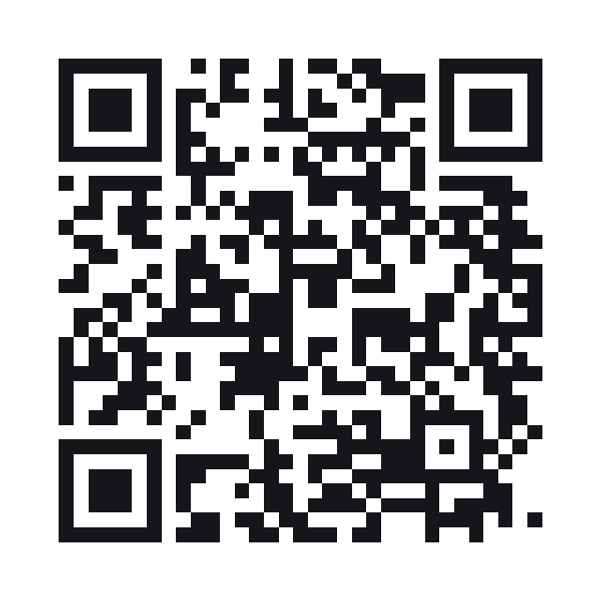
MeCard QR code
A contact card in the older, shorter format. Smaller symbol than a vCard, fewer fields, and read by most phones.
A MeCard QR code stores a short contact card in a compact format that most phone cameras offer to save.
Style this code — colour, shape, branding, frame and output
Colour & contrastThe ink, the paper behind it, and the three eyes. Every choice is contrast-checked as you make it.
ShapeHow the squares are drawn. The three eyes are styled apart from the data, because a scanner finds the code by them.
BrandingYour mark on the code. Every picture here costs scanability — the notes say how much, and the preview is the truth.
Frame & captionA border and a line of text around the code — the "scan me" that tells a passer-by what it is for.
OutputWhat comes out of the download buttons, and what the symbol actually carries.
Print-ready PDF
A press file at the finished size: 3mm bleed, crop marks and a trim box a print shop’s checks read. The code is drawn black on white whatever the design above — how a colour prints is something only a test print can show.
Shorter than a vCard, and that is the whole reason to pick it
MeCard packs the same basic contact into far fewer characters, so the symbol lands at a lower version and survives being printed small. On a business card, where the code is competing for a corner, that difference is the difference between scanning and not.
Fewer fields, on purpose
Name, phone, email, a URL and a note. No job title, no company, no photo, no address block. If you need those, use vCard and accept the larger code — a truncated contact is worse than a bigger square.
Support is wide but not universal
Most phone cameras offer to save a MeCard as a contact. A few show it as text. vCard is the safer choice where you cannot control what is scanning, and MeCard is the better one where size is the constraint.
MeCard QR codes
MeCard or vCard?
MeCard for a smaller code with the basics. vCard for completeness and the widest support. Both are static: neither can be edited after printing.
Can I include a company name?
Not in this form. MeCard supports few fields by design — the vCard type covers that.
Why is my name in reverse in the code?
MeCard writes family name first, as the format specifies. Phones reassemble it in the right order when saving.
Which phones read MeCard?
Android cameras handle it natively and iPhones do too. It was designed for feature phones, which is why it stays compact and carries less than a vCard.
Built to ISO/IEC 18004:2024 (the QR code symbology) · ZXing barcode contents (the WIFI: and MECARD: formats phones read)