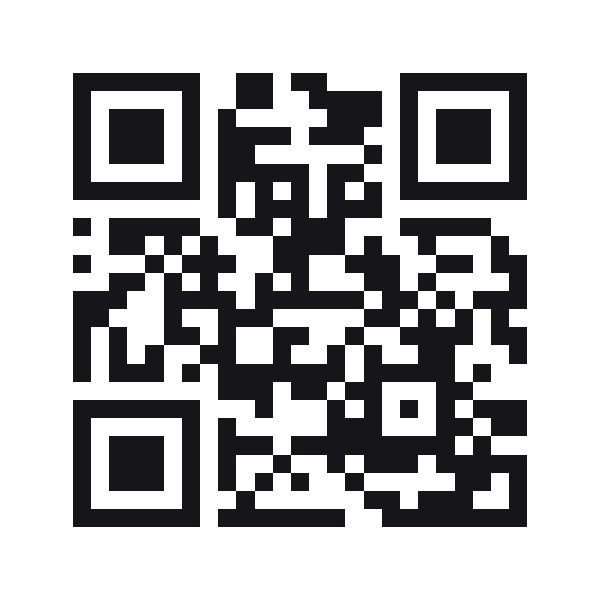
QR code for a Google Form
The form’s own address in a code. Paste the link Google gives you — a prefilled one works as it is, because the answers travel in the address and nothing here rebuilds it.
A Google Form QR code stores the form’s address, so a phone opens the form ready to fill in.
Style this code — colour, shape, branding, frame and output
Colour & contrastThe ink, the paper behind it, and the three eyes. Every choice is contrast-checked as you make it.
ShapeHow the squares are drawn. The three eyes are styled apart from the data, because a scanner finds the code by them.
BrandingYour mark on the code. Every picture here costs scanability — the notes say how much, and the preview is the truth.
Frame & captionA border and a line of text around the code — the "scan me" that tells a passer-by what it is for.
OutputWhat comes out of the download buttons, and what the symbol actually carries.
Print-ready PDF
A press file at the finished size: 3mm bleed, crop marks and a trim box a print shop’s checks read. The code is drawn black on white whatever the design above — how a colour prints is something only a test print can show.
Prefill is kept, not rebuilt
Google puts prefilled answers in the address — usp=pp_url and one entry.… per question. A builder that took the form and the answers separately would reassemble that address and drop whatever it did not think to ask for, and the form would open empty for the person who was promised otherwise. What you paste is checked and encoded exactly as it stands.
A form, not a document
docs.google.com serves Docs, Sheets and Slides as well as Forms. Only an address with /forms/ in it is accepted from that host, so a code labelled as a form cannot open a spreadsheet. forms.gle carries nothing but forms, so any link there is taken.
Dynamic when the form will change
A static code encodes the address itself. If you replace the form next season, make the code dynamic instead and repoint it — the printed code never changes, only where it goes.
Google Form QR codes
Why will it not accept my link?
It must be on docs.google.com under /forms/, or on forms.gle. A Docs or Sheets link is refused by name, and a shortener is refused because neither we nor the person scanning can tell what it points at.
Does the prefilled version work?
Yes. Use Get pre-filled link in Google Forms, fill the answers you want set, and paste the address it gives you. It is encoded unchanged.
Does the form need to be public?
The code opens the address; Google decides who may answer. A form restricted to your organisation will ask the scanner to sign in, exactly as the link would in a browser.
Can I see how many people scanned it?
Make the code dynamic. A static code encodes the address and reports nothing; a dynamic one goes through a short link that counts each scan, and can be repointed to a new form without reprinting.
Want to change it after it’s printed?
Make it a dynamic code: it carries a short link you can point somewhere new at any time, and it counts every scan. A free account includes 5 dynamic codes and needs no card — and a dynamic code keeps redirecting even if you never upgrade.
Built to ISO/IEC 18004:2024 (the QR code symbology) · RFC 3986 (URI syntax)